Friday, June 19, 2015

Cell Phones are Distracting, and....

I've seen the headline "Kids do a lot better when schools ban cell phones" and the Facebook likes and the laments to "put that thing down and go outside and play".    I can see the huge potential for distraction that cell phones pose in the classroom with their constant buzzing, vibrating and beeping.  There's the Pavlovian response to check it. And, kids these days (and adults too) are conditioned to pull out their phones to record everything with a picture, a text or a post.  What possible educational purpose could these devices possibly serve?

The study, as presented in the CNN article, by researchers Richard Murphy and Louis-Philippe Beland, focused on the distraction potential of cell phones.  It's not clear that the researchers differentiated between schools or teachers who had an academically oriented BYOD policy and those who threw cell phones into the classroom distraction be damned.

I think the article is right and wrong at the same time. I think the effect on student achievement of anything, whether it’s technology, a new program or a textbook, lies entirely in its implementation. I think a smart phone is nothing more than a computer that a student owns and has, potentially, constant access to. I think students don’t know how to use technology for academic purposes and especially don’t know how to use technology for anything beyond canned practice and assessment programs. I think students need to be taught how to use their devices for rich academic purposes. I think that texting, snapchatting, etc. during class is the digital equivalent to passing notes and that we need to have effective discipline strategies that focus on the behavior not the device. I think smartphones in the classroom is in its infancy and we are gradually developing ways to harness the power of these tiny, always up to date, ubiquitous computers that everyone has in their pockets. I wonder why anyone would consider banning them and in the next breath spend thousands of dollars on computers.

Since I think all these things, I looked up the authors, read the original study here: http://cep.lse.ac.uk/pubs/download/dp1350.pdf

Among many other things, the authors state that

“The existing literature on the impact of technology in the classroom implies that the unstructured presence of technology has ambiguous impacts on student achievement. We add to this by illustrating that a highly multipurpose technology, such as mobile phones, can have a negative impact on productivity through distraction.”


The key is in how teachers implement the access to these “highly multipurpose” devices. If they’re just going to be buzzing in their pockets, then they’ll be a distraction and should, sadly, remain banned. However, teachers can work together on manageable ways to use devices in class to improve instruction and student achievement instead of relying on a ban to remove distractions and increase the attention and motivation of students to learn traditionally taught content.

Thursday, July 10, 2014

Homegrown and Weed Free. Developing My PLN

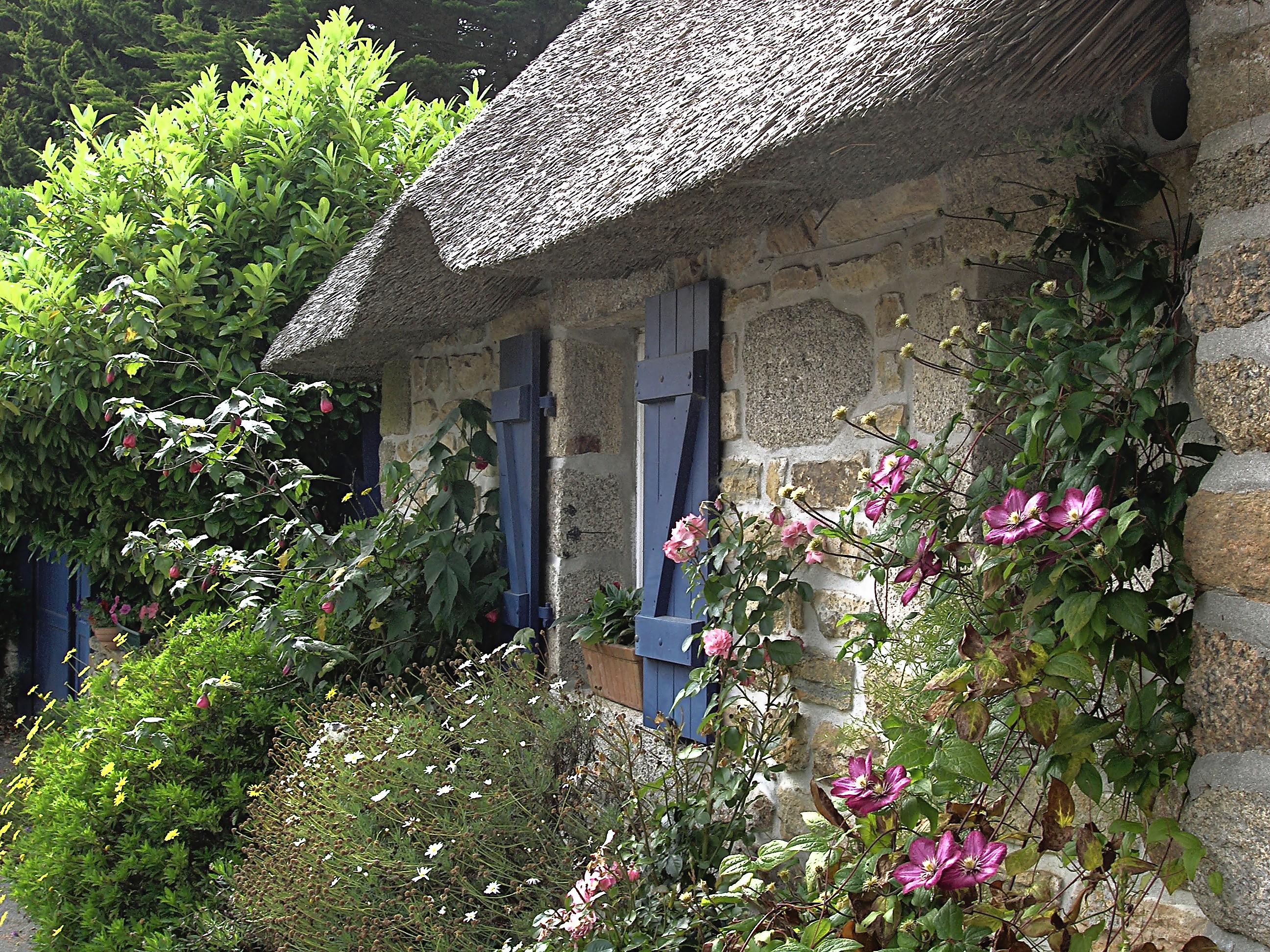
Cottage Garden: https://en.wikipedia.org/wiki/Cottage_garden
Patrick O’Shea challenged our Utilizing Networking and Communications Technologies for Learning class to develop a plan for growing our Professional Learning Network (#PLN).  For me, this represented a significant departure from the way my PLN has grown.  If my PLN was a garden, (shout out to David Warlick) then it would definitely be free form, a little messy and in need of a bit of weeding.

The heart and soul of my PLN is on Twitter. I follow amazing, inspirational educators and I participate in educational twitter chats.

“ When I search the web for answers to a question, and connect to people and their question-answering conversations, a temporary network of people is formed based on ideas. We connect NOT because of the chat room I have chosen to enter or the Listserv I've decided to join. We connect because of the ideas we are exploring and the conversations that spring from other people who are interested in those ideas. We link based on conversation, regardless of proximity. This is new. It represents new rules. It is a new information environment that can be understood and cultivated – that can be gardened for learning.”  

Warlick, David (2012-11-30). Cultivating Your Personal Learning Network (Kindle Locations 332-334). The Landmark Project. Kindle Edition.
This quote from David Warlick’s book describes the fluid nature of a Twitter PLN and is exactly my experience. The only thing I would disagree about is the statement that it is new. I feel that I “link” or connect with authors while I’m reading. I hear their voice as I read and I comment back in the margins or in my mind as I read.  This connection doesn't depend on proximity and is formed based on mutual interest. What is new is the dynamic nature of the connections. The ability to give and receive feedback in real time makes my Twitter PLN different from anything else I’ve experienced professionally.

I described my Twitter Journey here, Twitter! What is it Good For?  Suffice to say, following educators is important. Sort of like collecting all those seed catalogs that start arriving in January. Reading tweets is interesting and inspiring, like wandering through the garden center - so many choices. But, the key is forming relationships with other educators.  When it comes down to it, learning happens between people who have a relationship or connection. Tweet (contribute) But, don’t forget to Tweet back (connect). So, I've brought home the geraniums, tomatoes, strawberries and brussel sprouts. What's next?
Keeping track of everything using the basic Twitter interface was impossible for me, so I started using Hootsuite.  A screenshot of my set up is below. I have a tab for each day of the week. Inside a tab, I have sub tabs for the twitter chats that I follow.  Hootsuite.jpg

At first, I stumbled upon educators, hashtags and chats at random. The only thing
Roadside Flowers - Mountain View, NC
they had in common was that they were related to education and not cooking, gardening, pop culture, politics or any of the other million things people tweet about.  My early PLN garden probably resembled more of a stretch of roadside where flowers, berry brambles and ivy all fight for space. Not a cottage garden. Not quite yet.

One day I stumbled upon a tweet by Jerry Blumengarten aka Cybraryman and his mission to “catalog the internet”. He has a page for everything education-oriented.  Really. Everything. His comprehensive list of educational hashtags and chats developed by @thomascmurray @cevans5095 opened the door to the world of educational chats.

 I use Hootsuite to keep track of my Twitter PLN.  As my professional interests have changed, Twitter has changed with me. It helps me see the flowers in that wild roadside.
Roadside Flowers - Collection


At first, I focused on flipped classroom resources, expertise and strategies.  That led me to student centered learning and standards based grading. I started following the #sbgchat (now #sblchat) and Rick Wormeli . I heard about the book Teach Like a Pirate on Twitter last summer because I was following Dave Burgess . It was fun to be in the inaugural #tlap chat.  Motivation and brain science - Carol Dweck and #mindset. Gamification and 3D printing - @mrdpasion and @nathan_stevens. Project/Problem based learning - #pblchat.  I've just learned that I’ll be changing roles next year from science teacher to technology facilitator. The first thing I did was research twitter for the hashtags and people to follow. My goal for my PLN is to keep changing and growing the people that I learn from.

I remember a Twitter conversation about being a lurker, #LurkandLearn. On one side, my PLN argued that lurkers needed to be pushed to participate and if they didn't they weren't really learning or that their value was somehow less.  I believe that many, maybe most, of us start out as lurkers. Like our students, many of us don’t feel comfortable speaking up in a crowd unless we’re sure it’s safe. The thing that transformed me from a lurker to a participator was interaction with the people behind the tweets.  When real people interacted with me, they started to break down that barrier and make it possible for me to participate.

My absolute favorite Twitter chat is #flipclass. And here’s the reason. It’s co-moderated by Cheryl Morris and Andrew Thomason and they either intentionally or unintentionally play different roles during the chat. Cheryl tweets out the questions and keeps the conversation moving. Andrew participates in that way too, but he also greets participants, makes newbies feel welcome and makes everyone feel … noticed.  How he does it is beyond me. It’s a talent and it turns lurkers into active participants in the community.

I currently follow 781 people or organizations and the vast majority of them have remained acquaintances.  I value them for the awesome, knowledgeable, passionate, inspiring educators they are and for what they let me do - crowdsource my educational quandaries, get inspired during the long dark days of February in middle school.  I can drive down the road, so to speak, and see the flowers any time I need to.

Some of those acquaintances have turned into friends and I’ve gotten to meet some in real life, #IRL. It’s a phenomenon that surprises me all the time.
Friends who help me learn? #betterTogether


Cheryl Morris @guster4lovers


Flipping as a proxy for student centered learning. Creativity. New stuff.


Andrew Thomasson @thomasson_engl


Flipping as a proxy for student centered learning. Creativity. New stuff.


Audrey McLaren @a_mcsquared


Virtual learning. All things math.


Rick Wormeli @RickWormeli


Standards based grading


Darin Jolly @drjolly


Standards based grading (#sblchat)


Dayson Pasion @mrdpasion


Gamification


Brian Bennett @bennettscience


Nuts and bolts of flipping, flip videos and camtasia studio. My gateway from #lurkandlearn to connecting.


Sam Patue @sampatue


Puppets. (#patuechat)


Gary Strickland @sciAggie


Flipping science class. Student centered learning.


Crystal Kirch @crystalkirch


Flipping math class


So, this is my garden right  now. A little unruly. Unconventional. Passionate and Inspired.
Homegrown.... and weed free.

Tuesday, August 6, 2013

Technology Plan for Science Class 2013-14

For the past year and especially this summer, ideas have been pouring into my brain from the Amazon River of ideas a.k.a Twitter.  But now it's time to get a plan.  So here it is. I'm sure I'll change it as time goes on, but ideas are just ideas until you put them into action. 

How’s this Going To Work:

1. Science Notebooks
  • Student Documents and Handouts
    • located in Google Drive, Shared w/ Public.
    • Organized by Doc Name and Unit/Topic.
  • Student Digital notebooks
    • Notes - Evernote or Google Docs
    • Drawings - AWW or paint. Saved to computer but inserted into the note.
    • Handouts - linked from LovdahlScience Drive and attached to notes in Evernote.
    • Organize by
      • Folders named by Unit
      • Docs named sequentially and by Video or Class Topic
      • Ex. MyDrive>Chemistry>1 What is Matter
      •      MyDrive>Chemistry>2 Physical Properties of Matter
  • Notebook checks
    • Notes
      • Students share their Google Drive notebook folder with Mrs. Lovdahl
      • Periodically check notes for completeness, details and organization.
      • Comment/feedback to students using Voice Comments

2. Flip Class Resources
  • Videos located on
    • Youtube:
    • LovdahlScience Drive
  • 3Rs
    • Review notes in Evernote
      • Organize by tags: Unit, Topic, Video Tag Title, Notes
    • Reflect in Evernote
      • Organize by tags: Unit, Topic, Video Tag Title, Reflection
    • Response via Google Form - link at the end of the video.
  • Flipclass assignments given via Edmodo.

3. Formative Assessment - Tech Tools
  • Socrative
  • Twitter - tweets from students (maybe)

4. Twitter for the Classroom
  • Encourage students and parents to follow me on Twitter @MrsLovdahl
  • Tweet ONLY science news and classroom news & happenings.
  • Goal is to tweet 2 times a day, during the school day.
  • Students tweet to reflect on class activities
5. Quizlet
  • All students sign in or join Quizlet
  • Share flash cards
6. CK-12
  • Students sign up for an account. If under 13 years old, they must have parent permission.
7. Gizmos on ExploreLearning.com
  • Students will sign in using class ID & PW cards.
  • BYOT students will need a device that runs flash. iPad & Mac users will have access to a limited number of Gizmos via iTunes.


Things to Figure Out

1. Sites that need parent permission if the student is under 13:
  • Twitter
  • Quizlet
  • CK-12